
Posters are one of the best ways to promote events, products, and brands. Whether for marketing campaigns, social media, or print ads, a well-designed poster can grab attention and convey your message immediately.
Today, platforms like BrandCrowd, Adobe, and Designhill make it easy to create posters without needing professional design skills. However, each platform has a different mix of design quality, customization, and user-friendliness.
In this comparison, we will look at all three to see which platform gives the best results for making professional posters.
Essential Features to Consider
Choosing the right platform can greatly impact the quality of your poster. Here are the key factors to keep in mind:
- Template Quality: Modern, eye-catching poster designs
- Customization: Ability to edit text, colors, images, and layout
- Ease of Use: Simple tools for fast design creation
- File Options: High-resolution and print-ready downloads
- Branding Tools: Ability to match posters with other marketing materials
Quick Comparison
|
Feature |
BrandCrowd |
Adobe |
Designhill |
|
Template Quality |
Extensive library of modern, professional posters |
Customizable templates |
Basic pre-made templates |
|
Customization |
Edit text, colors, fonts, and layouts easily |
Advanced editing for full creative control |
Limited customization options |
|
Ease of Use |
Beginner-friendly, fast poster creation |
Moderate to complex; best for experienced users |
Easy, simple editor for quick posters |
|
File Options |
High-resolution, print-ready, digital formats |
Full control over file types; vector and raster options |
Standard files for download |
|
Branding Tools |
Strong; consistent across posters, logos, social media |
Available via Adobe Creative Cloud tools |
Limited branding tools |
|
Pricing |
Pay per download; free preview |
Subscription-based; free limited plan |
Pay per design or contests; free preview |
|
Free Plan |
Yes – design & preview posters |
Yes – limited templates and basic tools |
Yes – preview posters before purchasing |
|
Best For |
Quick, high-quality, professional posters |
Experienced designers needing full control |
Basic posters or outsourced designs |
|
Speed |
Fast creation for digital and print |
Slower; detailed customizations |
Moderate speed |
|
Template Variety |
Hundreds of poster templates for different industries |
Large selection; can create from scratch |
Limited selection compared to BrandCrowd |
|
Support |
24/7 chat and email support |
Adobe support via help center and forums |
Email support; contests include designer feedback |
|
Print Options |
Print-ready posters; optional merchandise printing |
Export files for external printing |
Export for print; contests may include print-ready files |
BrandCrowd
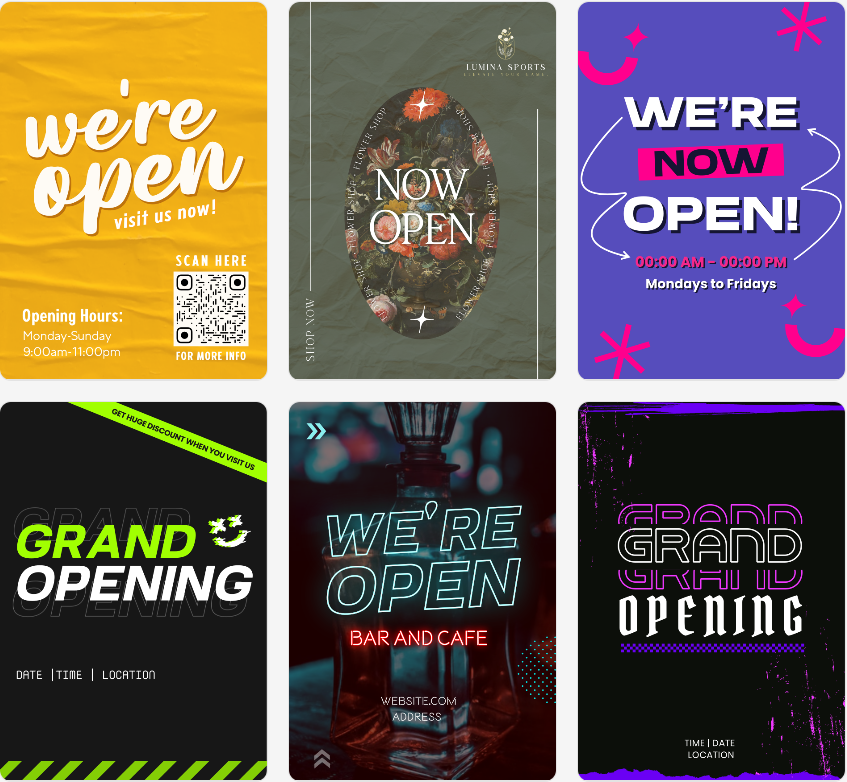
BrandCrowd is a great choice for poster design, offering a large library of professionally made posters. It works well for users who need eye-catching posters for print and digital use.
- Extensive collection of high-quality poster templates for events, promotions, and marketing
- Easy customization of text, colors, fonts, and layouts
- High-resolution and print-ready files for professional use
- Consistent branding across posters, logos, and social media
- 100% commercial safety for all designs
- AI poster layouts, font suggestions, color combinations, a quick background removal, logo placement, and more.
- Beginner-friendly editor for quick poster creation
- The free plan allows the user to design and preview posters before downloading
- Branding tools like logos, business cards, and social media designs
- Multiple poster variations for different platforms
- Quick downloads for digital and print formats
No Notable Weaknesses
BrandCrowd combines high-quality posters, ease of use, and branding tools. This makes it the best option for impactful designs.
Adobe Express
Adobe provides tools like Adobe Express for poster creation. It is ideal for users who want advanced features and full creative control.
- Professional poster templates with customizable layouts and graphics
- Advanced editing features for fonts, colors, images, and effects
- Access to Adobe stock images and assets
- The free plan gives access to limited templates and basic tools in Adobe Express
- Integration with other Adobe apps for multi-format design
- Ability to create posters for both print and social media
- Steep learning curve for beginners
- Subscription needed for full features
- Can take a long time for quick poster creation
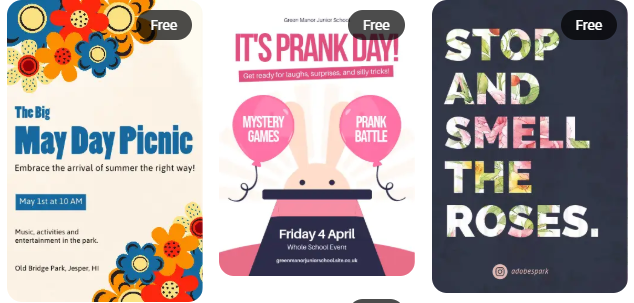
Adobe is perfect for experienced designers who want complete control. However, it can be too complex for fast, simple poster projects.
Designhill
Designhill offers an easy way to create posters using ready-made templates or by crowdsourcing professional designs. It’s helpful for users who want quick results or access to freelance designers.
- Pre-made poster templates for various marketing needs
- Easy editor for customizing text, images, and layouts
- The free plan allows for previewing designs before purchasing
- Option to launch design contests to hire freelance designers
- Additional branding services, like logos and business cards
- Fewer poster templates compared to BrandCrowd
- Limited customization for detailed design changes
- Costs can rise when using contests for custom designs
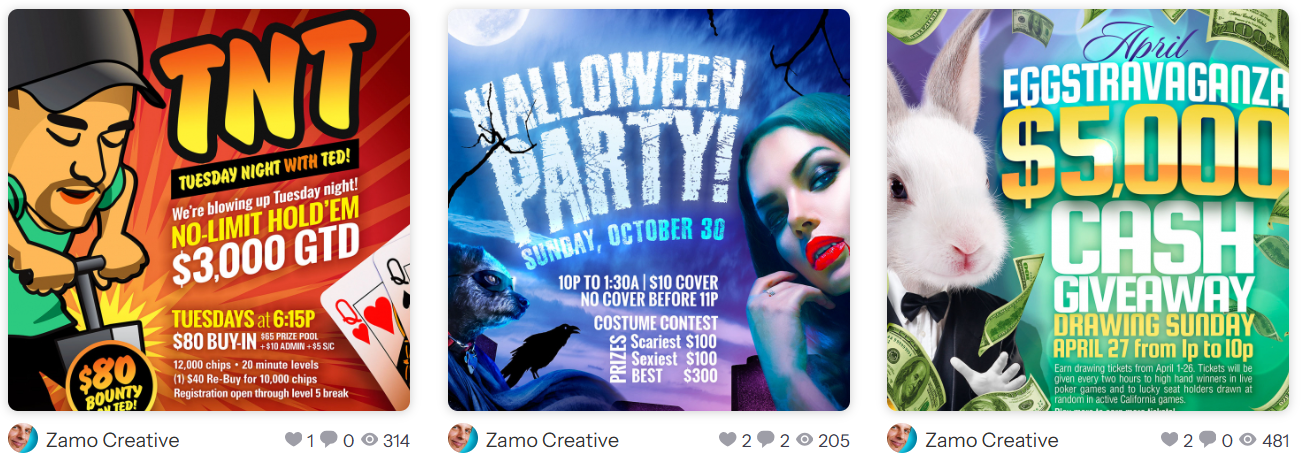
Designhill works well for basic poster creation or outsourcing. However, it lacks the variety, ease, and professional quality that BrandCrowd offers.
Final Verdict
Each platform has its strengths. Adobe is great for professional designers who need complete creative control, while Designhill is better for basic designs or outsourcing tasks.
However, BrandCrowd clearly stands out as the best option. It strikes a perfect balance of professional design quality, ease of use, and affordability.
If you’re looking for high-quality posters that are easy to create and suitable for both digital and print use, BrandCrowd is the top choice.